Working on Holt Kit, I need to write a lot of Leptos components. A lot.
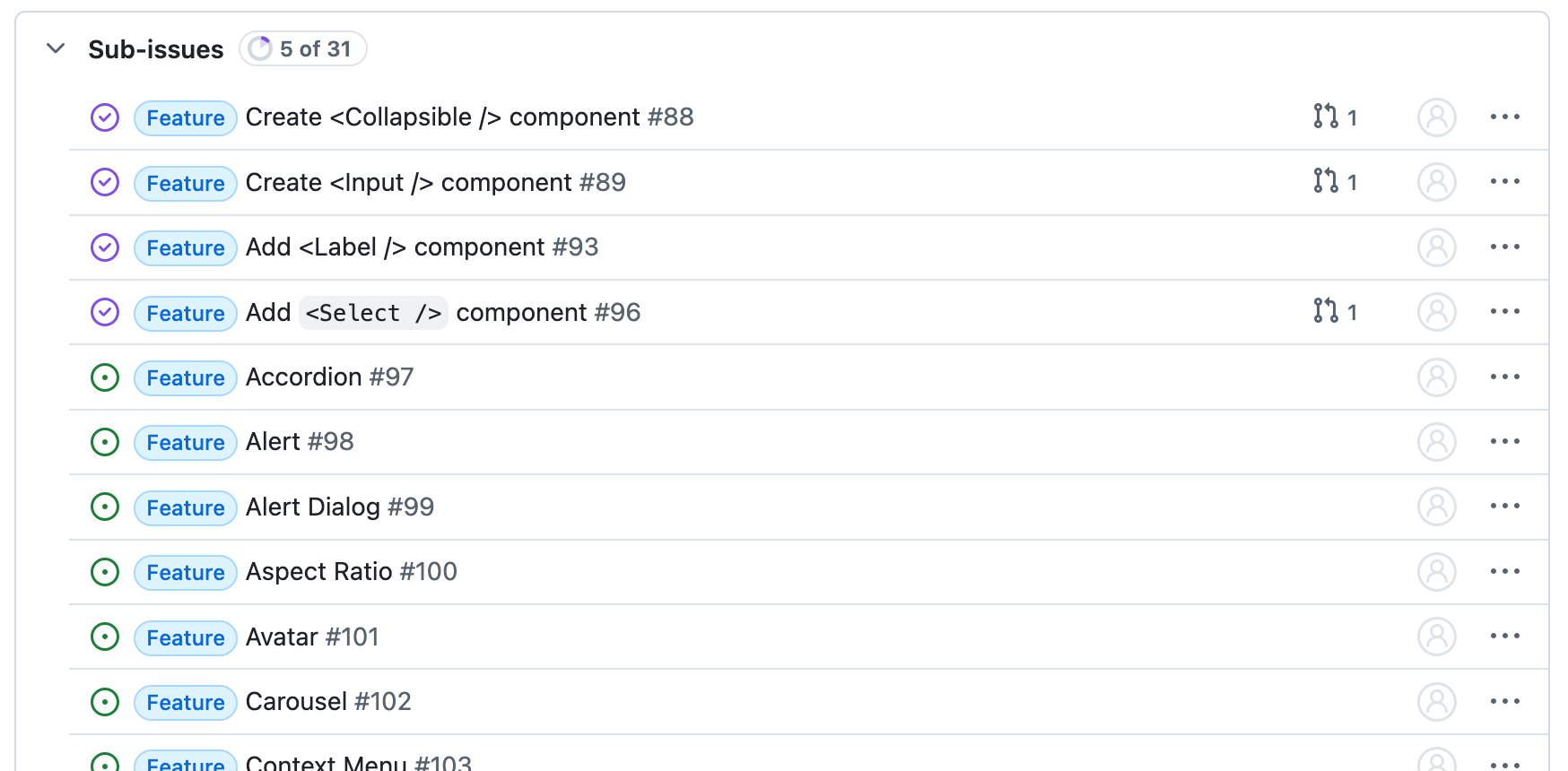
Holt Kit is intended to be an overly complete collection of elements, which need to be maintainable and have a consistent level of quality and implementation style. So for the first few components I've been writing these by hand. For the rest of them though, we now live in the age of AI.
However, in my experience LLM coding tools haven't been great at writing UIs.
Like a blind frontend dev
I've leaned quite heavily on Claude Code for writing code lately. Especially tooling and blueprint it seems to do without asking too much of me. The first time I tried to get it to develop a Leptos component though, I was very disappointed. The code style in general was pretty terrible, at some point it thought it was writing Javascript, and maybe worst of all: it didn't look at all right.
It got all the Tailwind definitions all wrong. It makes sense: aside from analyzing the code and running the tests, the model cannot know that this is happening. Without proper tooling, it's effectively blind. But, Claude definitely supports image inputs, and as I was experimenting with Claude it seemed to do better when given a screenshot of a component as input.
Giving Claude eyes
So I got Claude to write a visual regression test: render every variant of every story to PNG. It was too unguided. Claude, as it loves to do, started writing Javascript. After a bit of research I told it which tools to use, where to put its code, and how I wanted to invoke the program, and this time it worked. Using geckodriver and thirtyfour, it wrote a little program that opened different pages of Holt Kit's documentation and store a PNG screenshot of it.
It worked! It's able to then read out that PNG and will iterate based on that. All I had to do was write out a Claude Skill on how to write the components, that tells Claude Code how to use this rendering script.
Unskilled
To test its effectiveness, I asked Claude to generate a <Switch /> component. It wrote the code, and declared it complete.
We ran through many minor issues that were easily resolved with some tweaking of the skill. It used format!() to concatenate class names instead of the tailwind-fuse macros I wanted it to. It incorrectly passed the checked property. Some small redundancies that it could've caught.
However, these issues should have all been caught by visual verification. Each broke rendering at least one of the stories.
Claude the manager
Claude Skills are pretty good at giving it the context necessary to do a certain task. However, it's still an LLM and with every code change its context window becomes larger and it becomes worse at executing. In the attempts where it would actually remember that the visual verification script existed, Claude would tell me to run the scripts for verification.
It took some forceful writing to convince Claude that doing visual verification itself was not, in fact, an optional step. The moment it started reliably running the verification and reading the images as input, Claude would implement the component correctly in one go.
Loops for humans, loops for AI
I used this project as a way to verify something about coding with LLMs: feedback loops like these dramatically improve its reliability. This probably isn't much of a surprise, since the same is true for humans. It's why we use automated linting, testing, and manual verification. Turns out it is, as expected, also a useful pattern in AI-first development: force the AI to use what humans use.
Getting Holt and its UI kit to a place where people can confidently use it is going to be a long process. However, automating the translation work and setting up regressions tests is going to make this a lot easier. I should now be able to have Claude generate simple new components through a simple Github comment. Any visual issues with components we will catch in building Aonyx we can create specific tests for, so they won't regress.


